
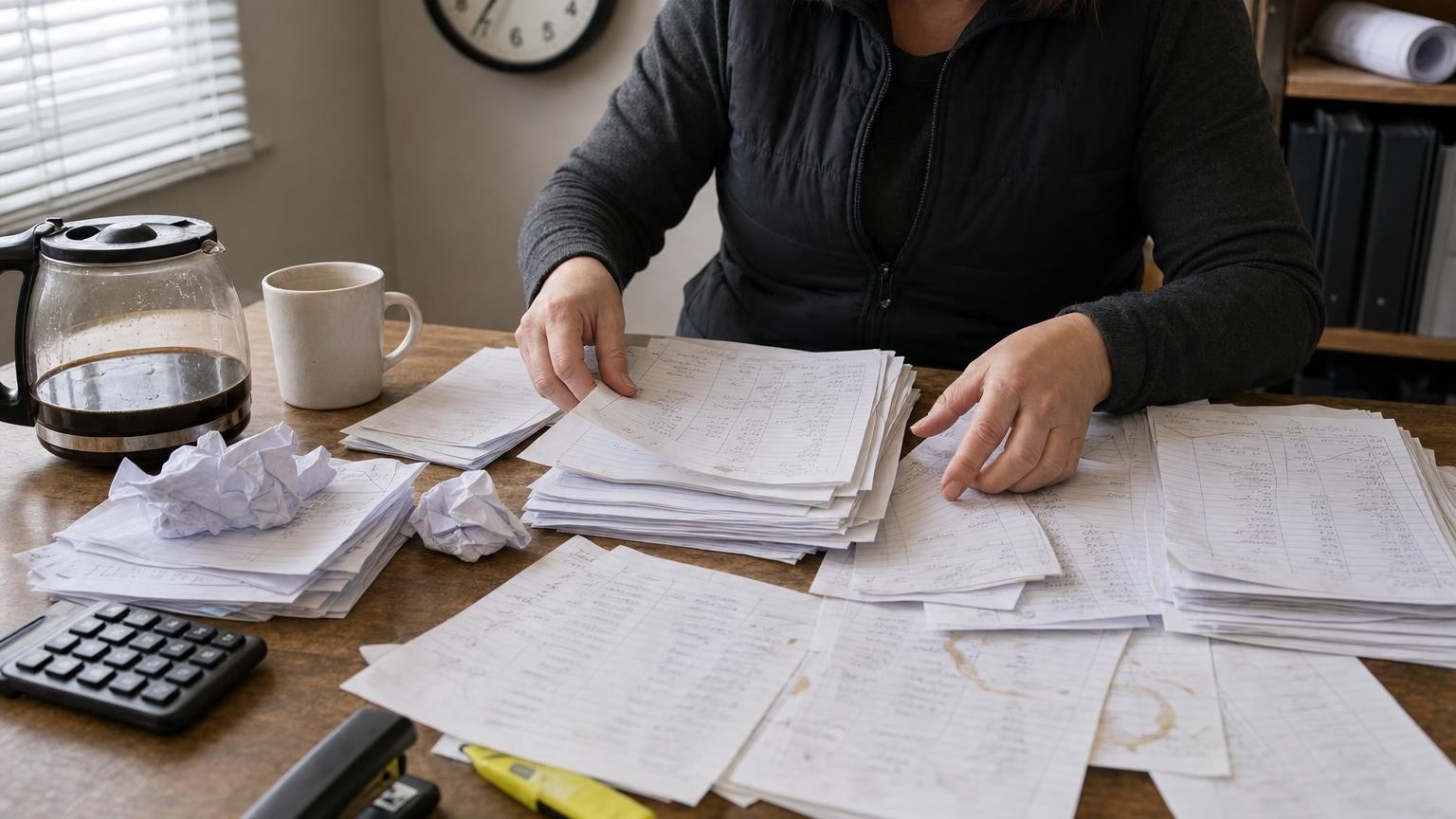
To get rid of paper timesheets, each hour has to be entered by the person who worked it, on the same day, against the job and the cost code where it was worked. A mobile punch connected to the office system does exactly that: the foreperson approves, payroll receives hours that are already sorted, and the monthly CCQ report gets prepared without retyping anything.
Why do paper timesheets cost more than the paper?
The paper itself costs next to nothing. What it sets off is another story.
Timesheets come in late, on Monday, sometimes by text message. Someone in the office deciphers different handwriting, retypes the hours and calls a foreperson about a missing day. Payroll goes out, then gets corrected afterwards. And all week long, the job cost is flying blind: the hours exist, but they are not attached to anything.
Ask a contractor where information gets lost in their company and the answer is sometimes very short. One contractor who booked a demo with us put it simply: "between the site and the office." Hours are the clearest example.
What does Quebec's CCQ require about hours worked?
The Commission de la construction du Québec (CCQ), which regulates construction labour in Quebec, requires a monthly report. According to the CCQ, employers and self-employed contractors working on sites covered by Quebec's construction labour law (Act R-20) must send it a monthly report. The report includes hours worked, including hours worked by sector of activity, and it must be sent, with payment of the amount due, no later than the 15th day of the month following the period covered.
In practice, hours must be sortable by employee and by sector, every month, without fail. Hours captured in the right place on the same day make that report far easier to prepare. They do not replace the review by the person responsible, and this article does not replace the CCQ's own guidance.
What should a good mobile punch capture?
We recommend capturing, for every entry:
- the employee and the date;
- the start and end time, or the duration worked;
- the job;
- the cost code, such as framing or drywall;
- the applicable sector;
- a free-text note for anything out of the ordinary;
- the foreperson's approval.
Every field serves a decision. The job and cost code feed the actual cost. The sector serves the CCQ report. The approval protects payroll. A field that serves no decision has no business on a worker's phone.
How do same-day hours reach payroll ready to use?
In Direction by Horizon, crews punch in on their phones. Hours land on the right job and the right sector on the same day, ready for payroll. The office then receives entries to verify instead of retyping them.
Approved hours feed the job budget, along with supplier invoices and material usage. On a time-and-materials contract, they also help prepare the client invoice. It is the same path extras follow, as described in our article on tracking extras through to the invoice.
Payroll stays in your accounting software. Direction by Horizon organizes job costs and their supporting documents, while payroll and payments remain in your accounting system.
Can field crews punch in through monday.com?
Yes, as long as someone designs the path the hours take, not just the entry screen. monday.com provides the platform. Direction by Horizon, the management system Horizon Nord builds on monday.com for general and specialty contractors, adds a punch app that ties each hour to a job and a cost code.
The system runs on the monday.com Enterprise plan, which carries the automations, permissions and security. Permissions matter here. We recommend that workers see their own jobs, without access to the rest of the crew's hourly rates.
How do you get field crews to adopt the punch?
The usual objection is familiar: field crews don't work on computers. They don't have to. Crews use the mobile punch and field forms, and each person learns only the features that relate to their own work.
Adoption is mostly won before the first punch. During a recent implementation, four questions had to be settled before launch:
- The rounding rule. Quarter hour or exact minute? Management decides and writes it down, instead of each foreperson improvising.
- Several cost codes in one day. A carpenter may move from formwork to finishing in the afternoon. The punch has to let them split the day.
- What each worker sees. Filtering the list by job keeps workers from drowning in tasks that have nothing to do with them.
- The transition period. If another time app is already in place, someone has to decide which one is the record during the switch, and until when.
None of these questions is technical. They are management rules. Leaving them open is the surest way to see the paper come back.
Which decisions stay with people?
The punch captures and sorts. It does not decide. These stay with a named person:
- approving the crew's hours, ideally every day;
- correcting an entry error, and keeping a record of the correction;
- approving payroll;
- confirming the monthly report sent to the CCQ.
Frequently asked questions
Does a mobile punch replace payroll software?
No. It prepares clean, sorted hours. Payroll and payments stay in your accounting software.
Does the punch replace the CCQ monthly report?
No. The report remains the employer's responsibility. Hours captured by job and by sector simply make it faster and more reliable to prepare.
Who should approve the hours?
The foreperson or the project manager for the job, depending on how the company is organized. We recommend daily approval: a mistake is easy to fix the same evening and hard to fix three weeks later.
To see the punch, the approval step and the job budget in Direction by Horizon, the demo takes 30 minutes.
Sources
- Commission de la construction du Québec, Transmettre un rapport mensuel et payer les sommes dues (French), accessed September 22, 2026.
- Horizon Nord, Direction by Horizon, management system for construction companies, accessed September 22, 2026.
- Horizon Nord, Direction by Horizon product page, accessed September 22, 2026.
