
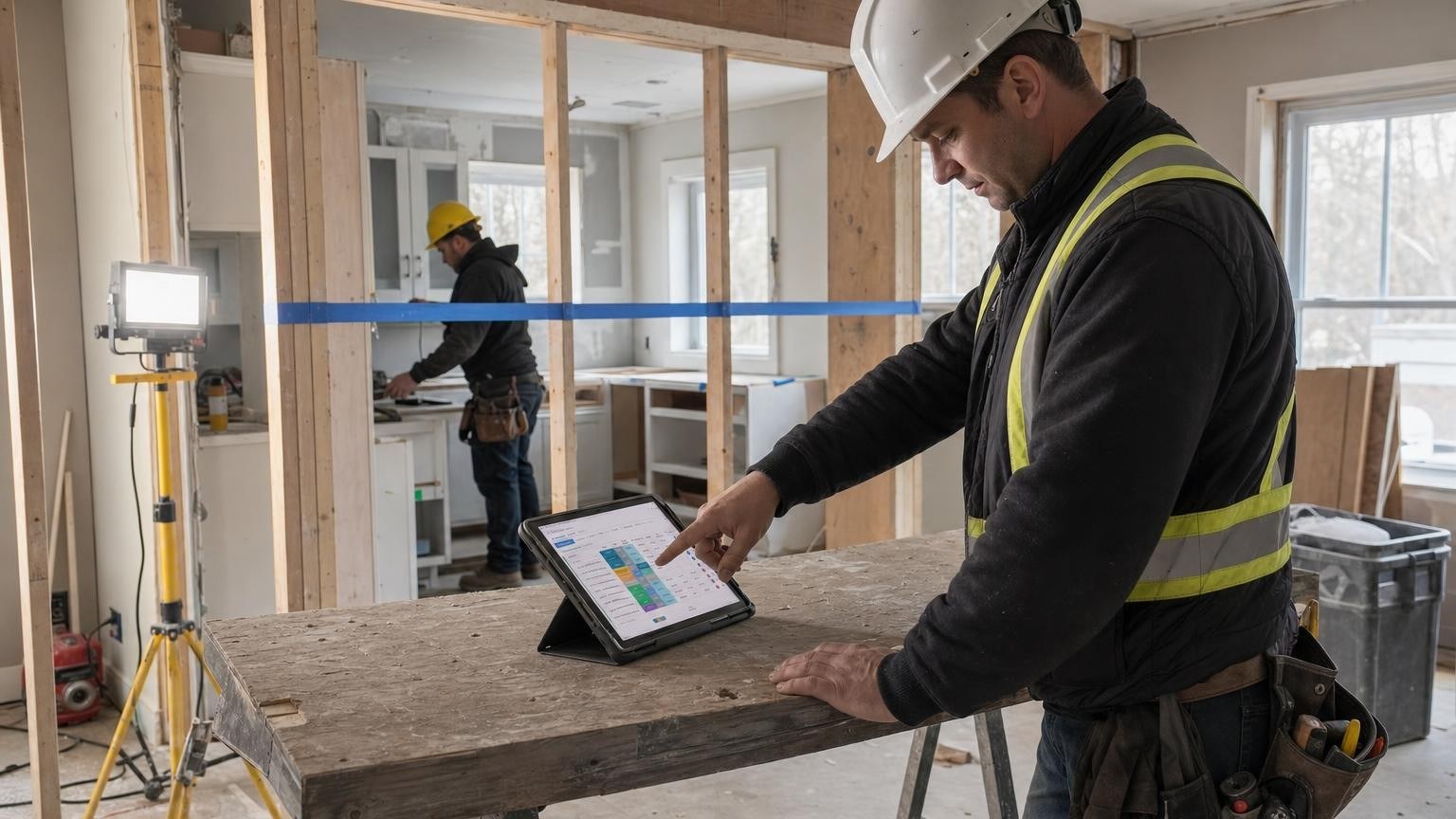
To stop losing extras, every extra needs to exist in writing before it is built, be approved by the client, and then follow the job to the invoice on a single line. As long as it lives in a text message, a site note and the foreperson's memory, nobody sees it when it is time to bill.
Why do extras slip between the job site and the invoice?
An extra rarely vanishes all at once. It slides away one step at a time.
Picture a kitchen renovation in Lévis, on Quebec City's south shore. On a Wednesday, the homeowner asks the foreperson to move a partition to make room for a bigger island. The request is reasonable, the crew is on site and the work gets done that day. Nobody does anything wrong. Three weeks later, the invoice still goes out at the base contract price.
The extra was lost along the way:
- The request was made out loud. It exists nowhere except in the foreperson's head.
- The work was done before the price. Without an approved amount, the extra turns into a favour, then into an argument.
- The invoice was built from the contract. The office bills what it can see, and it never saw the extra.
This is rarely a trust problem. The information simply never leaves the site.
What does Quebec's model renovation contract say about changes?
The fixed-price residential renovation contract template published by the Régie du bâtiment du Québec (RBQ), Quebec's building authority, is explicit. Any change to the contract must be covered by a written agreement, signed by both parties and attached to the contract, stating any change to the cost of the work where applicable.
That template covers fixed-price home renovation. On commercial or institutional work, your own contract clauses govern how changes are priced and approved. The habit is the same either way: an extra without paperwork is hard to bill and even harder to defend.
What should a well-tracked extra include?
We recommend treating every extra as a small quote, with its own line and its own status. At a minimum:
- the request: who asked, when, and who received it;
- a description of the additional work;
- the price, or the calculation method when the extra is billed time and materials;
- the client's written approval and its date;
- the job and the budget line it affects;
- a status: requested, priced, approved, done, invoiced, paid;
- the attachments: photo, email, signed document.
All of it fits on one line, and that is what makes it useful. The foreperson can start the line from the site, the project manager prices it, and the office sees it when the invoice is being prepared.
When should the client approve the extra?
Before the work goes any further. That is what the RBQ template calls for, and it is the easiest rule to enforce once information moves quickly.
In Direction by Horizon, the project manager prepares a separate quote for the additional work and gets it priced and approved before following it any further. The extra has a price and a client approval before it touches the budget.
Some situations call for action before the signature: a water leak, a safety risk, an inspection that cannot wait. That call belongs to the project manager or to management, never to the software. What matters is recording the decision when it is made, with the name of the person who made it, so the extra no longer depends on anyone's memory.
How does the extra reach the budget and the invoice?
An approved extra changes two things: what the job costs, and what you can bill.
In Direction by Horizon, once the extra is approved, the system accounts for it in the job budget and in invoice preparation, according to the contract. Billing follows the agreement, whether it is a fixed price, progress billing, or time and materials. Extras, purchase orders and supplier invoices are attached to the right job before you invoice the client, and each job's profit can be read every week instead of showing up at closeout.
Your accounting stays where it is. If you run QuickBooks or Acomba, you keep it. Direction by Horizon organizes job costs, invoices and their supporting documents, while bookkeeping, payroll and payments stay in your accounting software.
Can monday.com handle extras on a construction job?
monday.com provides the platform: boards, statuses, automations and permissions. The extras process itself has to be designed. Someone has to decide the columns, the statuses, who approves, and the path an extra takes to the budget and the invoice.
That design work is what Horizon Nord does. Direction by Horizon is a management system built on monday.com for general and specialty contractors. It runs on the monday.com Enterprise plan, which carries the automations, permissions and security. The account stays yours, along with your access and your data. If your team has already started in monday.com, our monday.com implementation page explains how we work from an existing account.
Which decisions have to stay with people?
The software prepares, reminds and makes things visible. It signs nothing for you. Four decisions stay with a named person:
- agreeing or refusing to do the extra;
- setting its price;
- starting before the signature in an emergency, and recording it;
- approving the invoice that goes to the client.
An extra that does not get a line on the day it is requested is at risk of ending up free. The client's signature protects the price. The line protects the job's memory.
Frequently asked questions
Do you need software to track extras?
Not for a single job. A shared log that someone keeps current can be enough. Software earns its place when several jobs run at once and the office bills from information that comes from the field.
Who should approve an extra?
The client, in writing, for the scope and the price. Internally, the project manager or the person management designates decides whether the extra is accepted on the proposed terms.
Should a refused extra stay in the system?
Yes. A refused extra often explains why a job took longer, or why an argument resurfaces at the end of the project. Keeping the line means keeping the context.
To see an extra follow this path in Direction by Horizon, from request to invoice, the demo takes 30 minutes.
Sources
- Régie du bâtiment du Québec, Modèle de contrat de rénovation résidentielle à prix fixe (French), section on the description of the work and changes, accessed September 22, 2026.
- Horizon Nord, Direction by Horizon, management system for construction companies, accessed September 22, 2026.
- Horizon Nord, Direction by Horizon product page, accessed September 22, 2026.
